The ERP Solution for the Year” 2025 in Agtech Breakthrough Awards 2025


Key Takeaways
- There’s No Single Best Tool: The best software for farm management depends on your farm size and your mix of crops or livestock, plus how much accounting you want in the same system.
- Small Farms Can Stay Light: Tools like Farmbrite cover records and tasks, with basic expense tracking, for small and direct-market farms.
- Field-First Tools Stop at the Field: PTx Trimble FarmENGAGE and Climate FieldView are built around field data and machinery. Neither is a full accounting system.
- Larger Operations Need Finance and Operations Together: Farms with several entities, a packing line, or buyer contracts need a general ledger, inventory, contracts, and shipping in one place. That’s where an ERP-based system like AgriERP fits.
- Ask Hard Questions Before You Buy: Pricing at scale, data ownership, integrations, and implementation matter more than the demo. Use the 10 questions at the end of this guide.
Introduction
How many places does your farm keep its numbers right now? If the answer is more than one, you already know why this guide exists. Field costs sit in a spreadsheet, the books are in QuickBooks, and the spray records live in a separate app. At harvest, with the packing shed running two shifts, none of the three agree with each other.
That’s usually when the question comes up: which farm management software should we buy? The answer depends on what you’re trying to fix. A tool that works well for a 60-acre CSA farm will frustrate a grower shipping to retailers. A precision agriculture platform can tell you where to put nitrogen, but it can’t tell your CFO what a bushel cost to produce.
Ratings and review counts below come from public listings on Capterra, G2, and vendor sites as of October 2026, so confirm details with each vendor before you decide.
Best Farm Management Software Compared
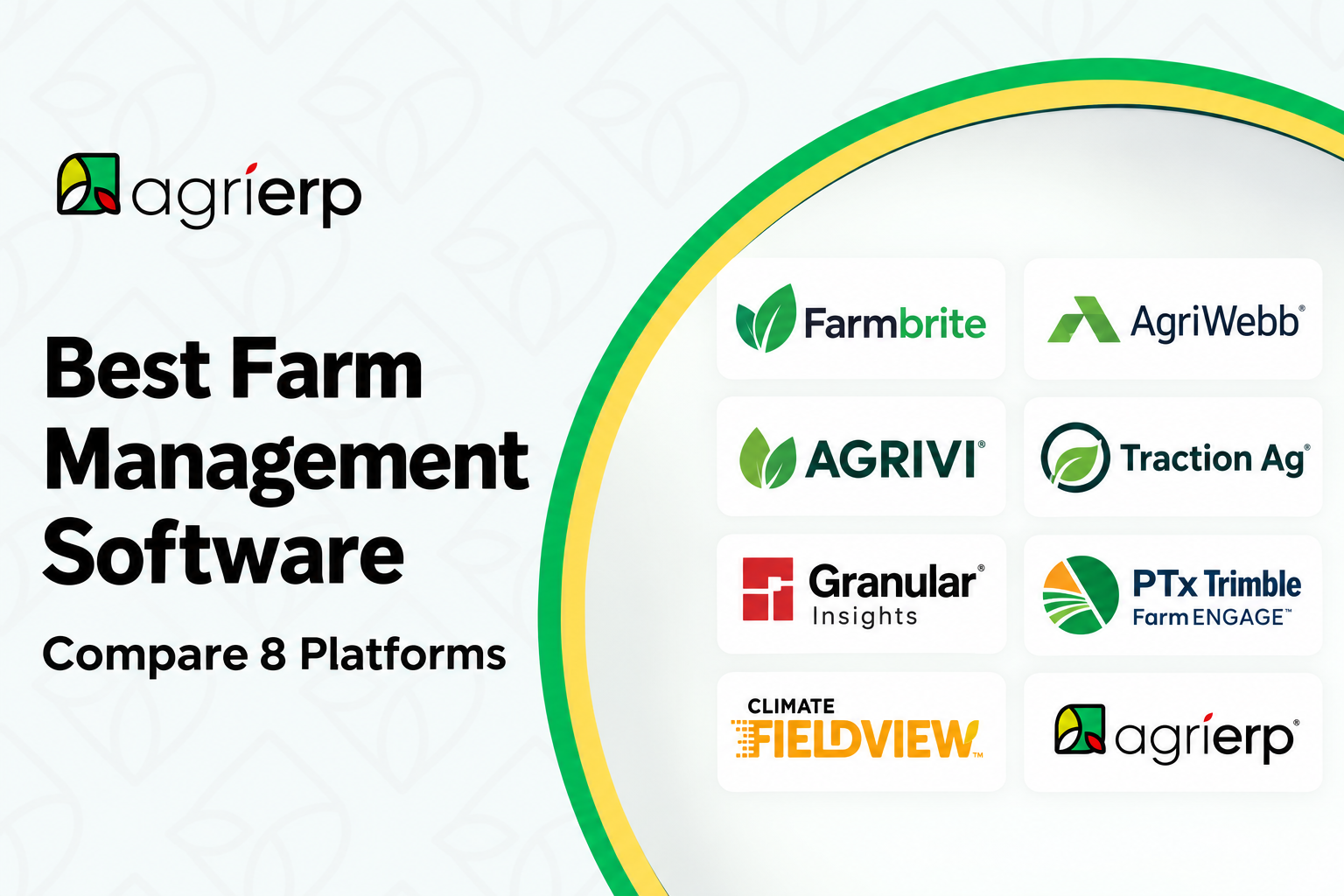
The table below compares eight platforms, and the sections after it cover what each one does, where it’s strong, and where it stops. Ratings and review counts come from Capterra, G2, Trustpilot, and the app stores.
| Software | Best for | Accounting | Biggest drawback |
|---|---|---|---|
| Farmbrite | Small and mid-size diversified farms and ranches | Transaction-level books and reports, no payables or payroll | Steep learning curve, and accounting stops short of a ledger |
| AgriWebb | Cattle and sheep operations | None, but livestock margin and cost-of-production reports | Livestock only, with mostly non-US compliance integrations |
| Agrivi | Crop growers, co-ops, and agribusinesses | Invoices, budgets, and costing, not a full ledger | No livestock, and many users keep separate accounting |
| Traction Ag | Farms that keep their own books and want profit by field | Full farm accounting with payroll and tax | Operations side lags the accounting side |
| Granular Insights | Corn, soybean, and wheat growers working with a Corteva or Pioneer advisor | None | Seed and agronomy planning only |
| PTx Trimble FarmENGAGE | Mixed fleets running PTx Trimble guidance | None | Compatibility varies by machine brand, and app ratings are low |
| Climate FieldView | Row crop planting and application data | None | Data terms, Drive hardware ties, and reliability complaints |
| AgriERP | Medium to large farms, packers, and processors | Full ERP with general ledger, payables, and receivables | Partner-led implementation, and too big for small farms |
AgriERP
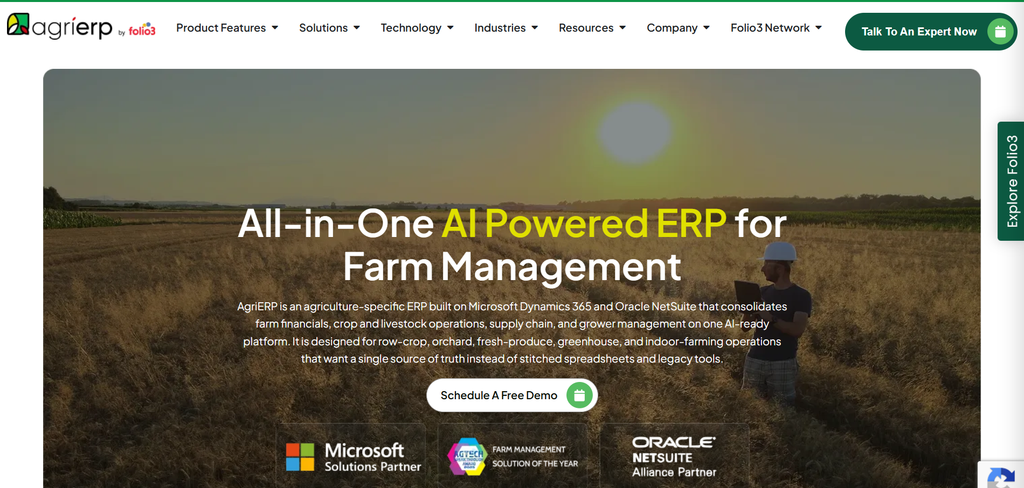
AgriERP is Folio3’s farm ERP, built on Microsoft Dynamics 365 Business Central with a Finance and Operations edition for enterprise-scale farms. It’s sold in three packages. Lite is a farm operations app with work orders, inventory, harvest and yield tracking, and labor. Standard adds an ERP backbone for financials, supply chain, production, sales, assets, HR, warehouse, and grower accounting, plus an AI Farm Assistant. Advance adds advanced finance, season and resource planning, quality control and compliance, logistics automation, harvest management, integrated pest management, advanced contracts, grower management, and document management.
What it does
- Financial management covers the general ledger, payables and receivables, procurement and sourcing, budgeting and reporting, bank reconciliation, pool accounting, and grower accounting.
- Crop and season management includes crop and season planning with material requirements planning, crop protection and pesticide application, harvest, irrigation, soil, and fertilizer and pest management. Tailored versions exist for row crops, nuts, fresh produce such as potatoes, berries, and citrus, and controlled-environment growing.
- Inventory tracks stock in real time across locations, with low-stock alerts, Copilot-assisted purchase orders, and prebuilt Power BI dashboards. Packaging carries batch numbers and traceability codes, and consignments are traceable through shipping.
- Sales and contracts cover sales orders, contract management for growers, suppliers, and buyers, price management, and farm-to-consumer sales through ecommerce integration. Shipping and packing handles pack management, logistics, multiple depots, and live production performance.
- Labor tools allocate tasks by skill and availability, plan seasonal workforce, and run payroll with multi-jurisdiction tax collection. Compliance covers USDA-compliant pesticide usage reports and FSA reporting.
- Mobile apps handle field capture of labor attendance, harvest yields, and material consumption, with separate warehouse, quality, production, and sales apps and a grower portal. GIS tools add geo-tagging, heat maps, distance measurement, soil health, NDVI, and yield maps.
- AgriERP Companion, launched in 2025, builds reports, dashboards, and work orders from natural-language prompts.
- Grant4D Farms in Idaho, farming about 68,000 acres, moved from QuickBooks to AgriERP Standard on Business Central. Rombola Family Farms in Australia runs AgriERP on Finance and Operations. For more on the farm modules, see the AgriERP overview.
Strengths
- Books and field operations share one system, so field costs reach the ledger without exports.
- Workflows are built per crop, including potato, nut, and produce operations.
- Operations that outgrow Business Central can move to Finance and Operations for multi-site operations, advanced warehousing, advanced season planning, and production control.
- The Microsoft stack brings Excel and Power BI connections, Copilot, multi-currency, consolidations, and intercompany transactions.
Limits
- Implementation is partner-led. It starts with a fit/gap analysis and solution design, and the AppSource implementation offer runs 10 weeks. It’s an implementation project, not a sign-up form.
- Multi-site operations, advanced warehousing, advanced season planning, and production control belong to the Finance and Operations edition, not Business Central.
- It’s aimed at medium to large operations, and a small farm that needs a record book will find it too big.
- Business Central is licensed per user, and machinery and precision ag data from tools like FieldView or PTx Trimble stays in those platforms unless an integration is built.
Best for: Medium to large farms, packers, and processors where finance, inventory, contracts, and shipping all have to agree.
Farmbrite
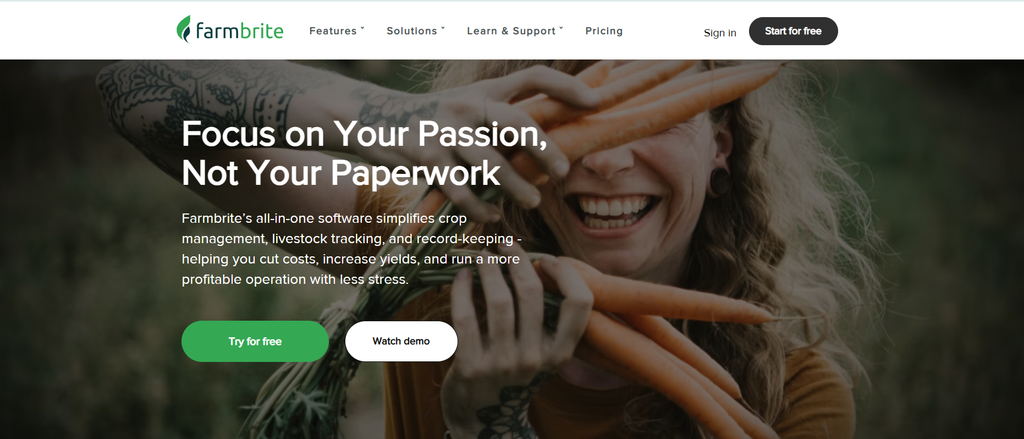
Farmbrite is all-in-one software for small and mid-size diversified operations, from market gardens and orchards to livestock ranches. It’s self-funded, based in Colorado, and rated 4.8 from 63 reviews on Capterra.
What it does
- Crop planning covers season schedules, planting calculations, and yield and revenue estimates, plus treatment templates, amendment logs, farm mapping, and weather forecasts.
- Livestock tools include health records, custom treatment plans, breeding and genealogy, grazing management, and RFID and EID scanner integration. Since July 2026, animals and plantings in a withholding period trigger automatic alerts that show the end date.
- Inventory tracks lots across warehouses and storerooms. Since September 2026 it also carries per-lot values, so the right cost flows into treatments, feedings, and breedings.
- Accounting uses IRS Schedule F categories by default, with custom nested categories, split transactions, receipt scanning, and a bank connection that pulls transactions daily. Reports include profit and loss, cash flow, a tax summary, a balance sheet, budget versus actual, and breakeven analysis.
- Sales covers an online store, point of sale, wholesale and retail pricing, pickup and delivery, sales tax setup, and invoices.
- Traceability links lot numbers to harvest dates and location history for recalls, and certification reports cover Organic and GAP.
- The mobile apps match the browser app, and a beta offline mode records treatments, measurements, and harvests without a signal. A REST API and Zapier connect it to QuickBooks, Xero, Shopify, Mailchimp, and similar tools.
Strengths
- Breadth is the most common praise. One farming reviewer calls it “Comprehensive. From accounting to crop management, to livestock management” (April 2025).
- Transactions link to specific animals, crops, and equipment, so a rancher can see which livestock earn their keep.
- Customer service scores 4.9 on Capterra, and the team ships updates monthly. Bank connection and receipt scanning both arrived in 2026.
Limits
- Accounting stops at income, expenses, and reporting. There are no bills or accounts payable, no payroll, and no multi-entity setup, and QuickBooks and Xero connect only through Zapier.
- Reviewers describe a steep learning curve. One writes “The learning curve for Farmbrite can be fairly steep because there are a lot of sections” (September 2025).
- Bank connection, timesheets, custom fields, and API access sit on the higher plans.
- Offline mode is still in beta, and one reviewer couldn’t import their farm and animal data.
Best for: CSA, market, and diversified farms and ranches where one or two people handle most of the records.
AgriWebb
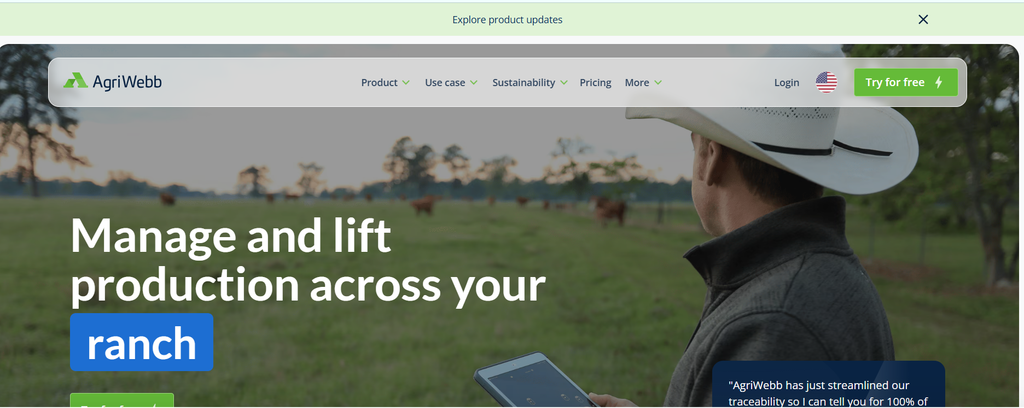
AgriWebb is livestock-only software for cattle and sheep operations. The company says more than 20,000 producers manage over 23 million head on it. In May 2026, URUS Group agreed to acquire AgriWebb, with closing expected in the third quarter of 2026. AgriWebb keeps its brand and management for now.
What it does
- Tracks individual animals by EID or tag, or whole mobs, with more than 40 standard record types. Weights produce average daily gain and projected live weight, and treatments calculate withholding periods automatically.
- Breeding records cover fertility, pregnancy scan imports, and foetal age tracking.
- An interactive ranch map shows paddocks and livestock, with stocking rates, a feed planner, and feeder tracking.
- Purchase and sale records and feed costs allocated per head feed livestock gross margin, cost of production, and paddock cost of production reports, exportable to CSV or Excel.
- Each animal keeps a time-stamped history for lenders and audits, and the platform includes biosecurity plans and a sustainability program hub. Most of its documented government integrations are in Australia and the UK, such as NLIS, eNVD, and BCMS.
- Hardware partners include Allflex, Gallagher, Tru-Test, and Te Pari for scales and EID readers, Ranchbot and RanchSense for water, and Cibo Labs for pasture. A GraphQL API is available.
- The mobile app records offline and syncs when it reconnects.
Strengths
- Reviewers praise support. A UK user on Trustpilot writes “Support is second to none and very responsive” (May 2026), and an Australian user credits the regular feature updates.
- Cost-of-production and gross margin reports tie feed and treatment costs to sales.
- The partner hardware ecosystem is broad.
Limits
- There’s no accounting. The only accounting integration is Figured, which is one-way, available in Australia and New Zealand only, and never posts to your accounting system.
- On iOS the app has to stay open with the screen on while it syncs, per AgriWebb’s sync guidance, and reports aren’t available in the mobile app.
- Crop farms need another tool. Cropping records exist but aren’t the focus.
- No US government reporting integration is documented.
Best for: Cattle and sheep operations that care most about animal records, pasture, and per-animal margins.
Agrivi
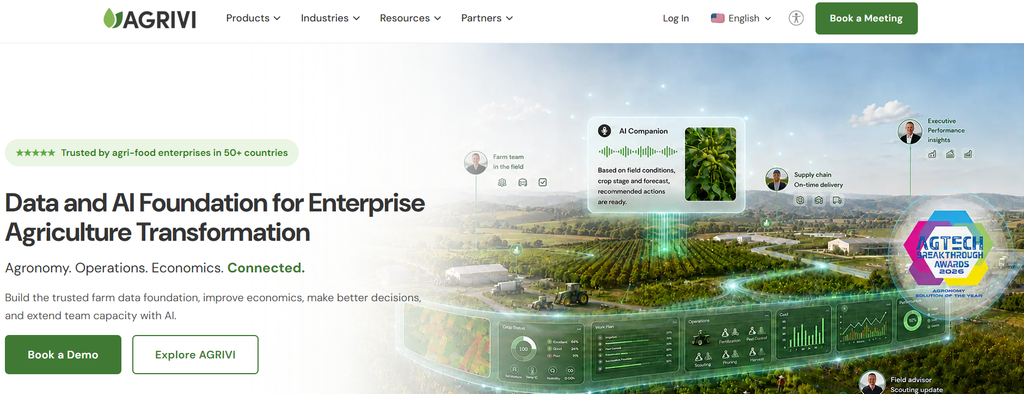
Agrivi is crop-focused farm management that has moved toward enterprise customers such as food and beverage companies, input suppliers, retailers, and large growers. The company is Croatian, opened a US office in 2022, and holds 4.7 from 12 reviews on Capterra.
What it does
- Field and crop records come with production planning, weather by field, pest and disease risk alerts, satellite monitoring, and scouting. Multi-farm structures and role-based access suit larger organizations.
- Inputs are tracked by warehouse and bin, and work orders connect to a workforce and machinery registry with labor hours per activity.
- Traceability records each crop-protection product, dosage, timing, and pre-harvest interval, checks it against configured requirements, and generates evidence with a QR code for sharing compliance details.
- Finance covers sales and expense invoices, vendor and customer records, capital expenses with amortization, loans, budget versus actual by season, and payment reminders. Cost per kilogram or pound by variety and field feeds crop ROI reports, exportable to PDF, Excel, or Word.
- Integrations include METOS, SYSWIN, and METEOBOT sensors, John Deere Operations Center sync for variable-rate files, and an API. ERP connections can sync inventory and production costs, and one customer integrated it with Microsoft Dynamics NAV.
- iOS and Android apps work offline and sync automatically when a connection returns, though mobile access requires an active mobile app subscription. An AI Companion for text and voice data entry is in private beta.
Strengths
- Reviewers praise the breadth. One owner calls it “a very complete software suite, with several add-ons” (March 2026).
- Ease of use and customer service both score 4.8 on Capterra.
- Traceability works at the field level, tying each spray to product, dosage, and pre-harvest interval, and cost reporting breaks out by variety and field.
Limits
- Finance covers invoicing, budgets, and costing, but a reviewer notes the Financial Management module “does not encompass accounting software”, so some users run a separate accounting system.
- There are no livestock modules. It’s a crop and field product.
- Reviewers mention cost, and one says it needs expert IT knowledge.
- A 2024 reviewer reported it can’t be used without an internet connection, though Agrivi now describes offline field work in its mobile app.
Best for: Crop growers, co-ops, and agribusinesses that need field records, inventory, labor, and traceability in one system and run accounting separately.
Traction Ag
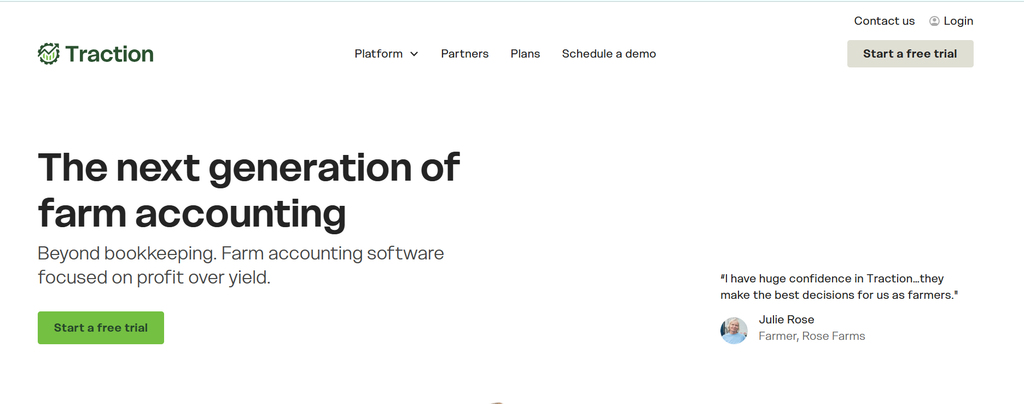
Traction Ag is farm accounting built around field profitability. The independent, farmer-investor-owned company in Auburn, Indiana was founded in 2020 and has grown through acquisitions: Granular Business from Corteva in November 2022, Conservis in December 2023, and PcMars in November 2025. Capterra rates it 4.9 from 59 reviews, though most of those reviews were invited by the vendor.
What it does
- Traction Business syncs bank and credit card accounts, with reconciliation, a general ledger with detail and trial balance reports, bills, prepaid expenses, loans, and multiple entities under one subscription and one login.
- Reports run on a cash or farm-accrual basis and include cash and market-value balance sheets, income statements, Schedule F, and budgeted cash flow by month. 1099s can be prepared and e-filed, and payroll runs through Paylocity, including 941, 943, and 940 filings and direct deposit.
- Profitability is reported by field, acre, and bushel. Inventory tracks inputs, crops, and bins, with scale tickets, load tracking, crop transfers, and a grain contract dashboard. Land agreements for cash rent and sharecrop generate invoices automatically.
- Traction Enterprise Operations, the former Granular Business, adds work orders, a task manager, machine data, seed, nutrient, field, and crop plans, and harvest reconciliation that feeds landowner yield and FSA acreage reports.
- Integrations include John Deere Operations Center, Climate FieldView, Paylocity, TAX1099, FS Companies, and Keystone Cooperative. The September 2026 update added roles and permissions plus mobile field-cost views, GPS field selection, and receipt capture.
Strengths
- It covers more of the financial side than most farm management tools: a general ledger, accrual reports, multi-entity books, payroll, and 1099s.
- Reviewers like the reports. One user writes that “the customer support team is only a chat away and very quick to respond”, and others praise the loan, cash flow, and inventory reports.
- Accountants get direct access, and releases have continued monthly through 2026.
Limits
- Reviewers say the operations side lags the accounting side. One writes “Field Ops needs updates and easier use” (June 2025).
- Setting up each entity and its chart of accounts takes time, and importing existing field records is slow.
- Traction Business and Traction Enterprise are separate products with separate logins, and a reviewer notes Business has no GIS map import or prescription layer.
- Accrual reports, land agreements, and cash flow budgeting require the Pro plan, and inventory and prepaid tracking require Plus or Pro.
Best for: Farms that keep their own books and want profit by field, from small family operations to corporate farms.
Granular Insights
Granular Insights is Corteva’s agronomy planning software for farmers who work with a Corteva or Pioneer advisor, and it’s free to farmers. The name causes confusion because Granular used to be a suite. Traction Ag bought Granular Business in November 2022 and renamed it Traction Enterprise Operations, and Granular Agronomy shut down on August 31, 2022. Corteva told The Scoop it had “made the decision to exit the SaaS model” and kept Insights as its remaining focus.
What it does
- Field-by-field plans cover variety or hybrid, crop protection, rates, and placement, with decision zones and seeding recommendations based on yield targets and economics.
- Variable rate seeding prescriptions use seed cost, grain price, stand loss, and minimum and maximum yield targets.
- Satellite imagery drives directed scouting, with geotagged notes and photos and pre-harvest yield estimates.
- The June 2026 release added ear photometry yield estimation from photos of corn ears, planter performance layers for downforce, singulation, and skips, harvest quality layers for protein and starch, and an Operation Growing Season Report.
- It imports machine data from John Deere Operations Center, Case IH AFS Connect, Ag Leader AgFiniti, and Precision Planting Panorama, and runs on web, iOS, and Android.
Strengths
- There’s no subscription fee.
- Development is active, with June 2026 release notes and an Android update in August 2026.
- Users praise quick setup. One App Store reviewer wrote “Was able to quickly add my fields and see near daily imagery!”, and the app is rated 4.8 from 29 ratings.
Limits
- It’s a planning tool, so accounting, inventory, work orders, and labor sit outside it.
- It’s built around a relationship with a Corteva team, and Corteva has said its goal is to deliver value through seed and crop protection, not software sales.
- The product line has seen churn. Granular Agronomy ended in 2022, and the original Insights app, now called Classic, is being retired.
Best for: Corn, soybean, and wheat growers who plan seed and crop protection with a Corteva or Pioneer advisor.
PTx Trimble FarmENGAGE
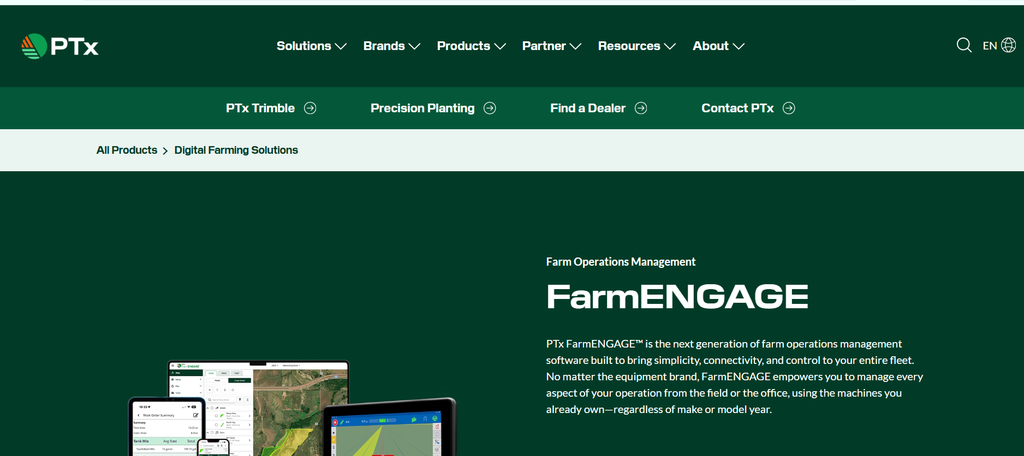
Trimble’s agriculture business is now PTx Trimble, a joint venture that closed in April 2024 with AGCO holding 85% and Trimble 15%. Trimble Ag Software and its Farmer Starter, Core, Fit, and Pro tiers have given way to FarmENGAGE, which launched at the 2025 Farm Progress Show in two options, Data and Operations. It’s built for mixed fleets and sold through a dedicated PTx Trimble dealer network.
What it does
- Field Manager creates and syncs fields, boundaries, and guidance lines from the office or the cab. Direct Send pushes boundaries, guidance lines, and implement profiles to individual devices without USB drives, and AutoSync keeps names, materials, implements, vehicles, and operator data aligned across connected PTx Trimble devices.
- Prescriptions can be imported, executed, and sent to equipment, and automated reports show task details with map layers.
- Work orders are created on web or mobile and sync to PTx Trimble displays and AGCO terminals.
- Precision-IQ, the in-cab Android app, works with any brand of farm vehicle and includes FreeForm, NextSwath, and Square Headlands guidance modes.
- Data agreements cover Raven, John Deere, Case IH, and New Holland. Starlink kits for 20|20 monitors and GFX displays cover areas with weak cellular service, and developer APIs handle prescription files, as-applied maps, and boundaries.
Strengths
- It’s designed around mixed fleets. An independent review says it “could reduce manual USB transfers, duplicate data entry, and disconnected work orders” (September 2026).
- Precision-IQ works on any brand of vehicle, and AutoSync removes repeated setup across displays.
Limits
- Compatibility varies. The same review warns that “file exchange is not the same as live connectivity.” Some connections are file-based or one-way, some features are still on the roadmap, and OEM platforms are still needed for diagnostics and deeper telemetry.
- App ratings are low. The iOS app rates 2.5 from 21 ratings, and the Android app averages about 3.7 from roughly 180 reviews.
- Financial tools stop at task and as-applied reporting, with no accounting or cost-of-production tracking.
- Legacy FM-750 and FM-1000 displays and AG-252, AG-262, and AG-372 receivers are end-of-line, and PTx Trimble products no longer go through the major OEM distribution network.
Best for: Farms running PTx Trimble guidance, and mixed fleets that want one place to send boundaries, prescriptions, and work orders.
Climate FieldView
Climate FieldView is Bayer’s digital agronomy platform for row crops. It’s built around the FieldView Drive device, which pulls planting, application, and harvest data out of the cab. Current US plans are Basic and Plus.
What it does
- FieldView Drive 2.0 plugs into a machine’s diagnostic port or monitor and sends seed scripts without a thumb drive. It’s iOS-only, while the original Drive works with iOS and Android, and adapters cover CNH and John Deere GreenStar displays.
- Seed scripts draw on data from more than a million test plots, fertility scripts cover nitrogen, phosphorus, potassium, and lime, and manual scripting and crop protection plans are included. Scripts convert to multiple file types or send wirelessly.
- Field Health Imagery, record-based scouting pins with photos and notes, and weather alerts for hail and equipment speed cover monitoring. Yield Analysis by Application measures product performance and ROI.
- Since February 2026, prescriptions go wirelessly to John Deere Gen4 and G5 displays as Work Plans through Operations Center, and the platform also integrates with Precision Planting 20|20 and Panorama.
- Grain Futures and Combyne, Bayer’s crop marketing record tool for storage, contracts, deliveries, and settlements, cover the marketing side. Silage reporting arrived in December 2025, and application data exports to CSV.
Strengths
- A Capterra reviewer praises easy deployment, Apple device support, and connections to most equipment, and another likes planter data recording with automatic web upload.
- Prescriptions can go straight to Deere displays, and the Precision Planting integration covers planter monitors.
Limits
- Data terms matter. Under the FieldView agreement, farmers own their data, but Bayer holds a non-exclusive license to access, use, reproduce, display, and modify it. The privacy statement lets data be shared with Bayer and companies in which it has an economic interest, and rules out using it to price seed to farmers.
- Reliability draws complaints. One reviewer calls it glitchy and says data sometimes doesn’t load, and another warns that inconsistent field names create duplicate data. Climate’s own troubleshooting guide covers Bluetooth pairing problems and weak rural internet.
- Each Drive is tied one-to-one to an account. Moving a Drive 2.0 to another account resets it, and data not yet offloaded is lost.
- There’s no accounting, labor, or cost-of-production tracking, it’s weaker for specialty crops, and the FieldView Cab app rates 3.8 from 172 ratings.
Best for: Row crop growers who want planting and application data flowing from the cab into seed and fertility scripts.
How to Match the Software to Your Farm
Three filters narrow the list quickly.
Filter 1: Farm Size and Complexity
Under 500 acres, with one entity and one or two managers, a light tool like Farmbrite or Traction Ag is usually enough. From 500 acres to a few thousand with hired crews, field tools like Trimble or FieldView start to pay off, and you’ll need real accounting alongside them. Once you have multiple entities, or a packing line with buyer contracts attached, you’re shopping for an ERP.
Filter 2: Crop or Livestock Type
Livestock operations should start with AgriWebb. Row crop farms running precision machinery should look at Trimble or FieldView. Crop farms that want planning, inventory, and labor in one place can add Agrivi to the list. Specialty crop growers who pack and ship, like vegetable, nut, and citrus farms, have a different problem. They need lot traceability and shipping records, and field-first tools don’t cover those. To see why that matters, read our guide to lot traceability for food and agriculture businesses.
Filter 3: Accounting Depth
Most buyers skip this one, and it’s the one they regret most. Where do your numbers live today? If the books are in QuickBooks and you export a spreadsheet every month to work out cost per acre, you already feel the gap. QuickBooks Online Advanced tops out at 40 users, doesn’t track by lot or bin, and needs a separate company file for each entity. To see what the move to a farm ERP looks like in practice, read our guide on moving from QuickBooks to Business Central.
10 Questions to Ask a Vendor Before You Buy
A demo shows you the product on its best day. These questions cover the other days, so bring them to every vendor call.
- What will I pay in year three? Ask for pricing at the acreage, users, and entities you expect by then. Per-feature and per-user pricing climbs fast.
- Who owns my data, and how do I get it out? Ask for an export in a standard format. If a vendor hesitates, that tells you what you need to know.
- Does it include accounting, or does it connect to mine? If it connects, ask which systems and who maintains the connection when something breaks.
- Can it handle multiple entities and land leases? Many farms run several legal entities. Confirm the software can report on each one and consolidate them.
- How does it track inventory? Ask whether it tracks by lot, by location, or only by quantity. Lot tracking matters for traceability and recalls.
- Does it work offline in the field? Rural connectivity is uneven, so ask which functions work with no signal and how syncing handles conflicts when the device reconnects.
- What does implementation involve? Ask for a timeline, who does the work, and what you have to supply. A low subscription price with a long, unpaid setup isn’t cheap.
- Which machinery and software does it integrate with? Name your equipment brands, payroll system, and buyer portals, and ask for live examples. A roadmap slide doesn’t count.
- Who can I call that runs a farm like mine? Ask for a reference of similar size and crop, then call them and ask what went wrong.
- What happens if I outgrow it? A good vendor will tell you the honest ceiling of their product. Ask what a migration looks like on the day you reach it.
Frequently Asked Questions
What is the best software for farm management?
There’s no single best option. Farmbrite suits small and direct-market farms, AgriWebb suits livestock, Trimble and FieldView suit precision row crop work, and an ERP-based system like AgriERP suits larger operations that need accounting, inventory, and shipping together.
How much does farm management software cost?
It depends on the type of tool. Small-farm tools usually charge a flat monthly or annual fee, field platforms tier by features and hardware, and ERP-based systems are quoted by users, entities, and scope. Ask each vendor to price the tool at the size you expect to be, since today’s size will change.
What is the difference between a farm management system and farm ERP?
A farm management system usually covers field records and tasks. A farm ERP adds the finance and operations layer: the general ledger, payables, receivables, inventory, contracts, and shipping. If your questions are about cost, margin, and cash flow, you’re asking an ERP question.
Can I keep QuickBooks and use farm software alongside it?
Yes, and many farms do. The cost is manual work moving data between the two, and the risk is that field costs and accounting costs drift apart. Past a certain size, one connected system is easier to trust.
Next Step
If you run a medium or large operation and the tools above feel too small, we’ll walk you through how AgriERP handles your crops, your entities, and your packing line. Book a demo and bring your hardest reporting question. To see how other growers have done it, browse our customer stories.
Sources were checked on October 12, 2026. Vendor details change often, so confirm before you buy.