The ERP Solution for the Year” 2025 in Agtech Breakthrough Awards 2025



Key Takeaways
- Four categories sell under one name. Agronomy platforms, farm accounting packages, all-in-one small farm tools, and agribusiness systems with a farm layer. Most buying mistakes come from comparing across categories.
- Match the category to your operation first. Acreage, entity count, and whether you pack or process matter more than any feature list when picking farm management software.
- Most published reviews are written for small and direct-market farms. If you run real acreage or a packing line, the popular shortlists won’t fit you.
- Test cost of production before anything else. Ask each vendor to produce cost per acre and cost per unit for one crop, using your numbers.
- Integration decides whether records stay current. Equipment, scales, agronomy platforms, and accounting all need to connect, because anything requiring rekeying stops being reliable by August.
- Take action: list your systems of record today, then count how many times the same field is named differently across them.
Introduction
Ask three vendors what farm management software is and you’ll get three different answers, all of them honest.
One will describe field records and spray logs. Another will describe crop budgets and cost per acre. A third will describe the whole business, from planting through settlement. All three are selling something real. They’re just selling into different problems, and the category name doesn’t distinguish between them.
That’s the reason so many buying processes go wrong. A grower compares an agronomy platform against an accounting package against an operations system, scores them on one spreadsheet, and picks the one with the most checkmarks. Six months later the records are current and the cost of production question still can’t be answered.
There’s a second problem worth naming early. Most published shortlists for farm management software are written for small farms, homesteads, and direct-market operations. Those products are good at what they do. If you run several thousand acres, multiple entities, or a packing line, the popular lists point you somewhere that won’t hold.
This guide covers the four categories, how to tell which one you’re in, the features worth testing, and where the category stops.
What Farm Management Software Actually Does
At the core, farm management software turns field activity into records you can act on. It captures what happened, where, when, and at what cost.
Software review platforms define the category broadly. G2’s farm management category covers resource accountability across chemicals, feed, and machinery, and serves growers, agronomists, and large farm operations alike. That breadth is accurate, and it’s also why the category label tells you so little.
In practice, four jobs sit underneath. Recording field operations. Tracking inputs and compliance. Costing production. Connecting the field to the business systems that pay for it. Different products do one or two of these well and gesture at the rest.
The Four Categories of Farm Management Software
Before comparing products, work out which category you’re shopping in. Independent analysis segments the market along similar lines, with ERP Research distinguishing dedicated farm packages, farm management platforms that tie agronomy to financial records, and full agribusiness systems for processors, cooperatives, and multi-entity operations.
Agronomy and Field Record Platforms
These handle planning, work orders, applications, scouting, and agronomic data. They’re often collaborative, so the grower and the agronomist work from one set of records.
Strengths are field-level detail and mobile capture. The usual limit is financial depth. Cost data lives in the platform, and payroll, payables, and inventory generally don’t. For a single-site operation with a clear agronomic focus, this category is frequently enough on its own.
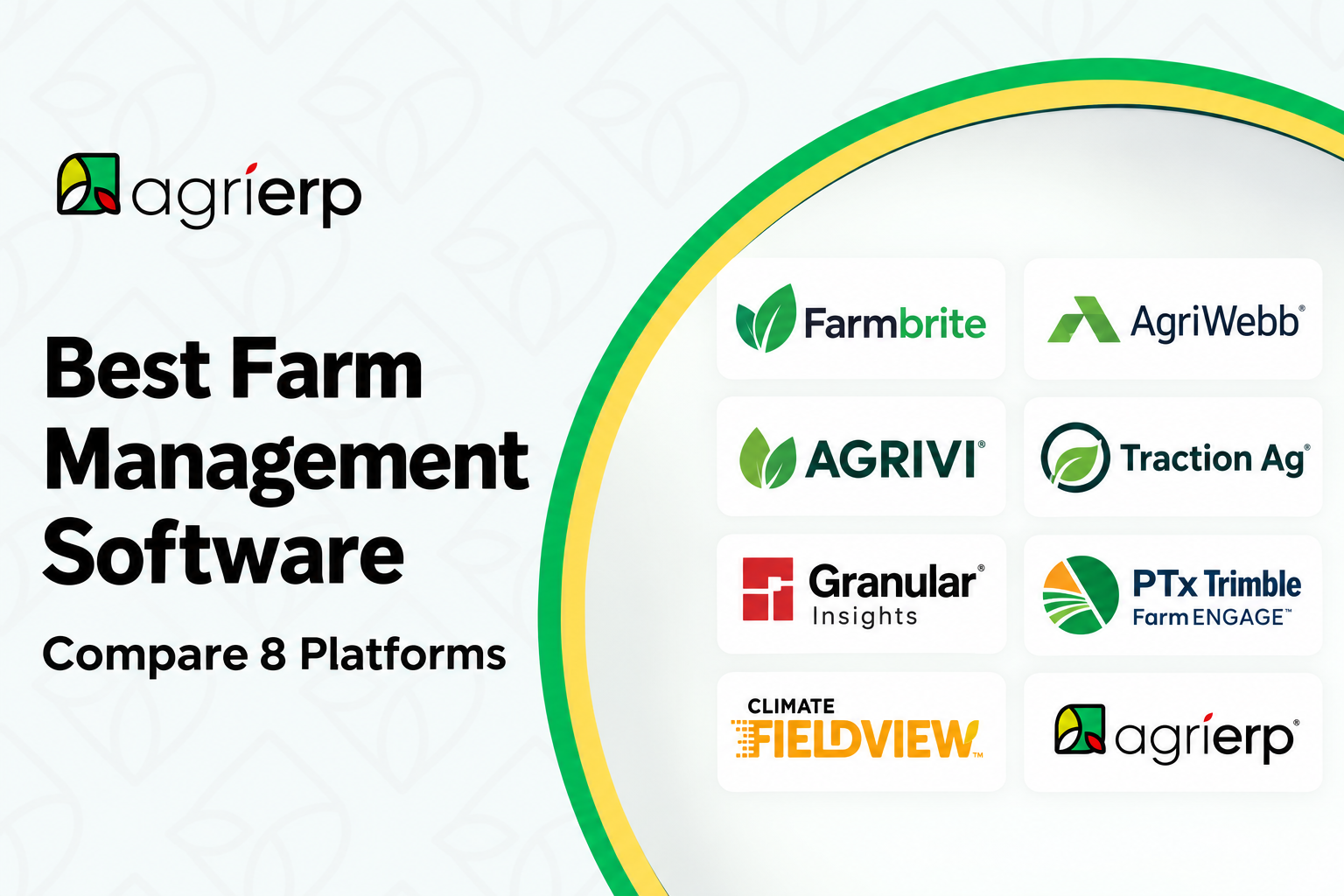
Widely used products here include Agworld, Conservis, Trimble Ag Software, John Deere Operations Center, and Climate FieldView. Several are collaborative by design, so your agronomist or retailer works in the same records you do.
Farm Accounting Packages
These start from the books and add agriculture structure: per-field and per-enterprise costing, crop and livestock inventory, and the tax treatment that generic bookkeeping handles badly.
They answer profitability questions well. They’re weaker on field operations, so most operations running one of these also run something else for agronomy, then reconcile between the two.
Traction Ag and Harvest Profit are common choices in this category. Plenty of operations also run QuickBooks against a farm chart of accounts, which works until per-field costing or entity consolidation becomes the question.
All-in-One Small Farm Platforms
These bundle records, tasks, livestock, inventory, and direct sales into a single low-cost subscription. They dominate search results for good reason, because they serve a very large audience well.
The constraint is scale rather than quality. Multi-entity accounting, packing line throughput, grower settlements, and audit-grade traceability sit outside what these products are built for.
Farmbrite, farmOS, Tend, FarmKeep, and FarmRaise are the names you’ll meet first, because they dominate search results for this category. Local Line belongs alongside them if direct-to-consumer sales are a real part of your revenue.
Agribusiness Systems With a Farm Layer
These run the whole business, then add agriculture capability on top: field and block records, harvest tracking, grower settlements, quality and grading, warehouse management, and lot traceability.
They cost more and take longer to implement. They’re the only category that answers cost per unit from field through pack-out without reconciliation between systems.
The underlying platforms are NetSuite, Microsoft Dynamics 365 Business Central, Sage Intacct, and SAP S/4HANA. Agriculture-specific products get built on top of those, including AgriERP, inecta, and Aptean Fresh Produce ERP, while Famous Software remains common among western tree nut and produce handlers. For a direct comparison of where one stops and the other starts, our post on agriculture ERP versus farm management software covers the signals that tell you which side of the line you’re on.
How to Tell Which Category Fits Your Operation
Three questions place most operations quickly.
How many legal entities do you farm across? One entity points toward the first three categories. Several entities, especially with intercompany activity, points toward the fourth.
Do you take physical possession after harvest? If product moves through a cooler, a huller, or a packing line under your control, you need inventory and yield conversion. Agronomy platforms won’t carry that.
Who else gets paid from your crop? If you settle contracted growers, or run pools, advances, and deductions, only the fourth category handles that natively.
Answer those honestly before you look at a single demo. The category decision is worth more than any feature comparison inside it.
Features Worth Testing in Farm Management Software
Feature lists all look similar on a website. These are the ones where products genuinely differ, so test each with your own data.
Field and Block Records
Check how the system models your land. Farm, field, block, and sub-block hierarchies vary, and so does the handling of split plantings, replants, and mid-season changes.
There’s a practical test here. The same field is often called “Home 40” in the accounting system, “H-40” in the agronomy platform, and an unnamed boundary polygon in the equipment display. Ask how the software reconciles those three, because that mismatch is what breaks reporting later.
Input and Compliance Records
Spray records, restricted entry intervals, pre-harvest intervals, and applicator licensing all need to be captured at the point of work. Then they need to reappear in an audit format without anyone rebuilding them.
Ask to see an audit pack generated from live data. Many products capture the records well and produce the documentation poorly.
Cost of Production
This is the feature most often oversold, so test it directly. Give the vendor one crop, one season, and your real cost lines, then ask for cost per acre and cost per unit.
Watch how the system handles costs that don’t belong to a single field. Overhead, shared equipment, and land costs need an allocation method, and the method should be yours to choose.
Labor and Payroll
Agriculture labor is seasonal, often piece-rate, and subject to rules that generic time tracking misses. Check whether hours allocate to crops and cost centers automatically, because manual allocation defeats the purpose.
Harvest and Inventory
If you store or pack, the system has to handle yield conversion from field to finished unit. Bins in, cases out, and the loss between them. Products built for record keeping alone typically stop at harvest quantity.
Traceability
Lot codes have to survive receiving, commingling, packing, and shipping. That matters more every year, with the FDA Food Traceability Rule now carrying a July 20, 2028 compliance date and large retail buyers already enforcing their own requirements.
To see what lot code assignment looks like inside the transaction flow, our quality and traceability capabilities page walks through it from field receipt through shipment.
Mobile and Offline Capture
Coverage in the field is unreliable, so test the mobile app with the phone in airplane mode. If records can’t be captured offline and synced later, they’ll be written on paper and entered late, which is the problem you were trying to solve.
Integration: The Part That Decides Everything
Farm data doesn’t originate in the software. It starts in equipment, scales, agronomy platforms, irrigation controllers, and the accounting system. Every connection you skip becomes a rekeying task, and rekeying tasks quietly stop happening during harvest.
Map these before you buy. Equipment telematics and field boundaries, where John Deere publishes a developer portal with Operations Center APIs covering growers, farms, fields, and boundary geometry. Scale tickets. Agronomy and imagery platforms. Accounting or the general ledger. Payroll. EDI, if you ship to retail.
Ask for each connection by name, and ask whether it’s a supported integration, a partner build, or a project. The three cost very different amounts.
How Farm Management Software Is Priced
Pricing follows the category more than the feature set.
All-in-one small farm platforms usually charge a flat monthly subscription, sometimes with an acreage tier. Agronomy platforms commonly price per acre, which scales predictably and gets expensive at volume. Farm accounting packages price per user or per entity. Agribusiness systems price per user by application, often with a platform fee, plus implementation.
Whichever model applies, price the second year rather than the first. Implementation, data migration, integrations, and training land in year one, while subscription increases and support arrive later.
Running the Evaluation
Keep the process short and evidence-based. Write down how you cost a block, how you handle grade out, and what your buyers require for traceability. Then hand every vendor the same scenarios and make them run those live, with your data.
For the full version of that process, our guide to choosing the right ERP for your agribusiness covers the documents to write first, the demo scenarios that expose misfits, and what to budget beyond licensing.
If your shortlist has reached the platform stage, our comparison of NetSuite and Microsoft Dynamics 365 for agriculture works through entity structure, processing depth, and licensing.
Where Farm Management Software Stops
Every product in the first three categories eventually meets the same wall. The records are good and the business questions are still hard.
The signals are consistent. Month-end takes longer than it should. Cost per unit needs a spreadsheet. Compliance documentation gets rebuilt on request. The same data gets entered twice.
None of that means the software failed. It means the operation grew past what a field-first tool was designed to answer.
Breadth and Depth Measure Different Things
The categories are sometimes described as overlapping, and on breadth of coverage that’s fair. A broad platform can genuinely handle crops, livestock, tasks, inventory, accounting, and sales in one place, which answers most day-to-day questions well.
Depth is a separate measure, and three capabilities mark where the categories actually diverge. Settling a contracted grower on a pool basis, net of advances, freight, and commission. Consolidating several legal entities with intercompany activity into one set of books. Carrying a lot code through commingling and producing an audit pack that holds up in a mock recall.
Operations that need none of those three are well served by a broad farm management platform, and adding complexity would only cost them time. Operations that need all three are looking at a different class of system. So the useful question during a demo is which group you fall into, because breadth of modules won’t answer it either way.
Where AgriERP Sits Among These Categories
AgriERP belongs in the fourth category. It’s agriculture ERP built on Microsoft Dynamics 365 and NetSuite, with the farm layer included rather than added afterward, so season and block planning, field cost capture, harvest and bin tracking, grower settlements, quality and grading, and lot traceability all run against the same records as the financials.
That also makes it the wrong answer for plenty of operations. A single-entity grower who doesn’t pack, store, or settle contracted growers will get more out of a good agronomy platform, at a fraction of the cost and the effort. We’d rather say so during a first call than six months into a project.
The operations it does suit tend to share a shape. Several legal entities, physical possession of product after harvest, and buyers who ask for traceability records on short notice. For a sense of how requirements shift by operation type, the orchard operations management and greenhouse operations pages show how differently block structure, labor, and costing behave.
Talk to a specialist about where your operation sits. Bring your entity structure and your current systems list, and we’ll tell you honestly whether farm management software covers you or whether you’ve outgrown it.
Frequently Asked Questions
What is farm management software?
It’s software that records field activity and turns it into usable information: what was planted where, what was applied, what it cost, and what came off. Products range from agronomy-focused platforms through to full business systems with a farm layer, so the label covers a wide span.
How much does farm management software cost?
It depends on the category. All-in-one small farm platforms run on flat subscriptions. Agronomy platforms often price per acre. Business systems price per user with implementation on top. Compare second-year cost, because year one hides recurring increases behind setup fees.
Is farm management software the same as agriculture ERP?
No. Farm management tools focus on field operations and records, while agriculture ERP runs the finance, inventory, settlement, and compliance side of the whole business. Many operations run one, then add the other as they grow.
What should a mid-size grower look for first?
Cost of production. If the system can’t produce cost per acre and cost per unit from your own numbers during a demo, treat every other feature as secondary.
Do these systems work without internet in the field?
The better ones capture offline and sync later. Test it with the device in airplane mode during the demo, since coverage across remote acreage is rarely dependable.
Can farm management software handle multiple entities?
Some can, though most in the first three categories handle it lightly. If you farm across several LLCs with intercompany activity, check consolidation carefully before shortlisting.
How long does implementation take?
A small farm platform can be running in days. An agronomy platform usually takes weeks, mostly spent loading boundaries and history. A full business system takes months, and it should be phased around your harvest calendar.