The ERP Solution for the Year” 2025 in Agtech Breakthrough Awards 2025


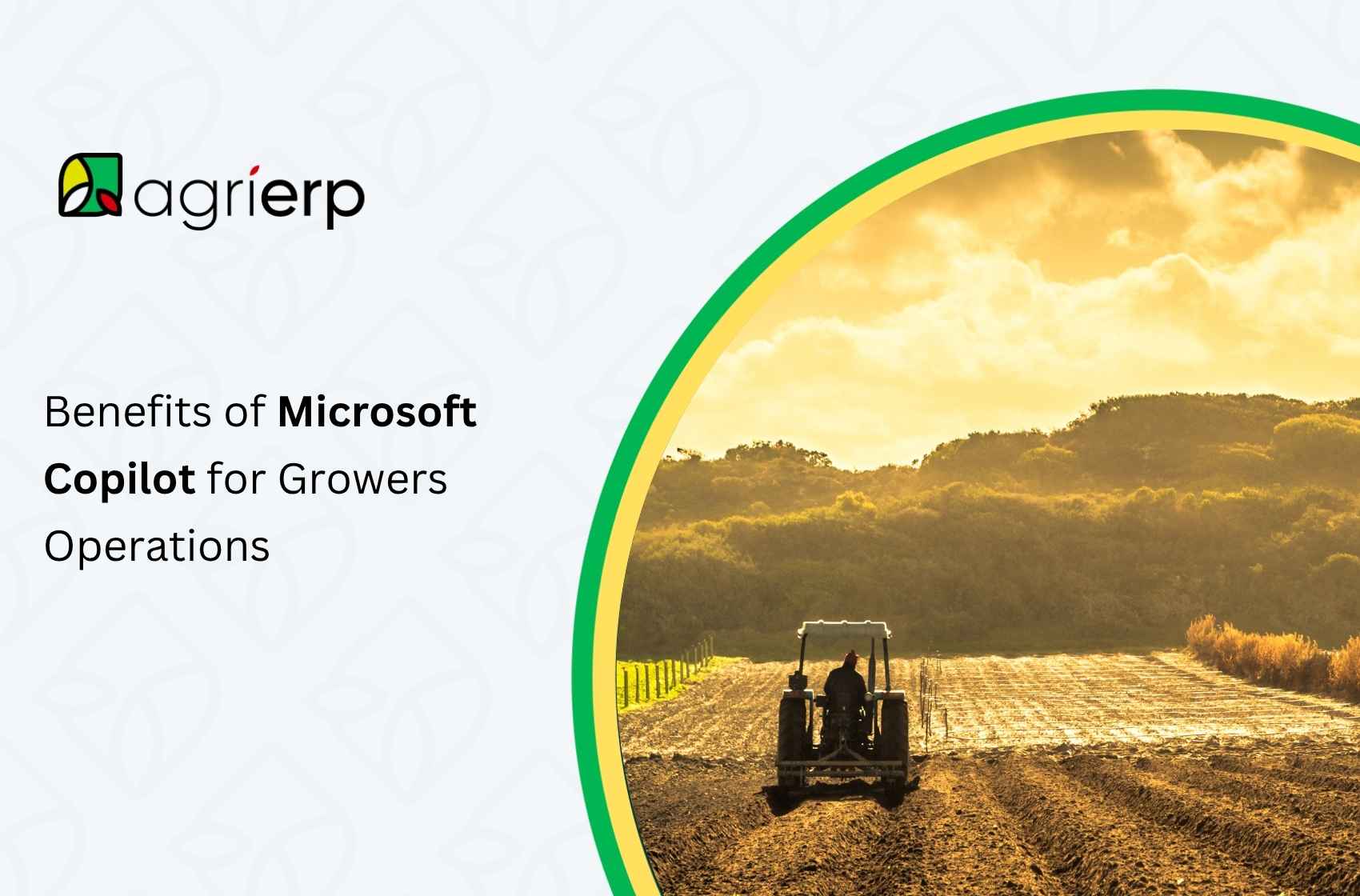
Farming today demands more than intuition and experience; it requires speed, precision, and real-time insight. Microsoft Copilot for growers delivers exactly that: an AI assistant that connects to your farm systems, speaks your agronomic language, and lets you ask simple questions like “Which block is underperforming?” or “How much water do we need this week?”
The global AI in agriculture market was valued at USD 4.7 billion in 2024 and is projected to expand at a compound annual growth rate (CAGR) of 26.3% through 2034, reflecting strong momentum for smart farming adoption.
In this post, you’ll see how Copilot works on your farm, which data to feed it, how it integrates with your existing tools, and, most importantly, how it helps you work smarter, not harder.
How Microsoft Copilot Works in Agriculture?
To understand the Copilot benefits for growers, it’s helpful first to break down how Microsoft Copilot functions in an agricultural context, how it connects to agritech systems, what data it consumes, and what safeguards must be in place.
Conversational AI That Understands Farming
When you adopt Microsoft Copilot in your farm operations, you get a conversational AI partner built to make sense of your data. Rather than scrolling through spreadsheets or switching dashboards, you just ask questions like, “What are moisture trends in Field 3 over the last month?” or “Which zones need nitrogen this week?” Copilot translates your plain-language request into data queries, runs the analytics, and returns clear visuals and advice.
Because it’s built to understand agricultural vocabulary, and since Copilot is tightly integrated with Microsoft Graph, Azure services, Microsoft 365, and Dynamics 365, Copilot works side by side with familiar tools, minimizing learning curves or system silos.
Connected Farm Systems, Unified Data
Behind the scenes, Copilot connects to the systems you already rely on to the core systems you already rely on. You’ll link your farm management software, your ERP infrastructure, and agritech platforms so Copilot can fetch planting schedules, field logs, application maps, and sensor data. On the ERP side, it draws from procurement, inventory, contracts, and financial modules to provide economic context to agronomic recommendations.
Many growers use Azure Data Manager for Agriculture to serve as the unified data hub that pulls together sensor readings, drone and satellite feeds, weather data, and operation logs. With Copilot templates layered over that hub, you get conversational access to the integrated data fabric.
Data That Drives Better Decisions
Of course, the quality of what Copilot gives you depends entirely on the data you feed it. You’ll want to supply detailed operational records, planting dates, seed types, input application maps (fertilizer, pesticide, irrigation), yield logs, and field boundaries.
Weather and forecast data, both historical and live, are essential. Add in drone/satellite imagery (NDVI, thermal maps) to detect stress zones, plus market prices, regulatory constraints, agronomic knowledge bases, and your financial or contract data.
With all that, you can ask complex questions like “Which zones underperformed relative to nitrogen input?” or “Which blocks are forecasted to hit pest thresholds before harvest?” The richness of data allows Copilot to reason across your fields, time, and resources.
Safe, Transparent, and Controlled AI
Even though Copilot is powerful, you remain in control, and that’s by design.. Guardrails and human oversight are essential in agricultural applications. Whenever it offers prescriptions (for example, a variable-rate fertilizer map or spray plan), it should present confidence levels or uncertainty ranges and require your approval before pushing those decisions to machinery.
Everything must be logged and audited so you can trace how decisions were derived. Role-based permissions ensure that only trusted users can make changes, while others can view or query. Microsoft’s Copilot templates support content filtering and safe execution within defined boundaries. As adoption grows, you’ll review prompts, refine system constraints, and build trust in the AI step by step.
Key Benefits of Copilot for Grower Operations
Below is a snapshot: one to two lines describing how Copilot helps, followed by deeper dives into each benefit area.
1. Operational Efficiency and Automation
Copilot accelerates workflows, automates repetitive tasks, and reduces manual workloads so growers and staff spend less time on routine tasks and more on strategic aspects.
How it helps:
- Generate operational schedules, checklists, and reminders (planting, irrigation, spraying)
- Automate report generation (daily, weekly summaries)
- Assist with document drafting (contracts, regulatory forms)
- Help staff onboard via conversational help guides
2. Decision Support and Intelligence
Growers can tap Copilot as a smart assistant that transforms raw data into insights and recommendations, especially useful under complexity or uncertainty.
How it helps:
- Forecast yields and simulate scenarios (e.g., shifting planting dates)
- Risk forecasting by combining weather, disease models, and historical data, Copilot can raise alerts (e.g., Fusarium risk, frost risk).
- Input optimization: where and when to apply fertilizer or water
- Trend detection: anomalies in sensor data or field behavior
- Conversational querying: ask “Why is yield lagging in that block?”
3. Improved Grower Relationships
If you are an agribusiness or co-op working with many growers, Copilot strengthens your service, transparency, and engagement.
How it helps:
- Provide each grower with Customized insights (soil suggestions, input timing) rather than generic advice.
- Offer transparency by explaining why it recommends a given action in terms that growers understand.
- Respond to grower queries (via chat) about best practices, inputs, and schedules in real time.
- A single agronomic team can support more growers with AI assistance.
4. Cost Savings and ROI
Implementing Copilot can reduce waste, optimize input usage, and deliver measurable returns with costs offset by productivity gains.
How it helps:
- Reduced labor by automating reports, scheduling, and alerts, freeing labor hours for strategic tasks.
- Early warnings help avoid yield losses or crop damage.
- Input savings via optimized resource use (e.g., fertilizer, water).
- Shorter analysis cycles, shorter analysis cycles, so growers can act faster, less lag means less opportunity lost.
5. Accessibility and Usability
AI assistants are only useful if users can comfortably engage with them. Some advantages in this domain:
How it helps:
- Natural-language interface: Growers can ask questions in plain language (e.g., “Check pH in Field B”) without needing programming skills.
- Available across devices (mobile, tablet, PC) so farmers can query from the field.
- Local language support: apps like Krishi Mitra enable queries in regional languages.
- 24/7 responsiveness, AI is always “on” even when staff are off
- On-demand training and guidance: It can serve as a “coach” to field technicians or new staff, helping them understand best practices.
6. Risk Mitigation and Compliance
Agriculture operates under regulatory, environmental, and business risks; Copilot can assist with:
How it helps:
- Compliance reporting (nutrient budgets, environmental permits).
- Traceability and audit support by maintaining digital audit trails for input usage, field operations, enabling certification, or audit readiness.
- Early detection and warning can reduce large-scale losses.
- Scenario planning for weather shocks
The Future of Copilot in Grower Operations
The journey has just begun. As AI, IoT, and agritech converge, the future of Copilot in grower operations will bring potent advances.
Emerging possibilities
- Real-time data directly controls irrigation systems, variable-rate sprayers, or drones in real time.
- Edge AI augmentation: Deploy ML models at the edge (in-field devices) so that Copilot can act locally on low-latency decisions.
- It will ingest drone and satellite streams to continuously monitor crop health, NDVI anomalies, and stress zones.
Autonomous Decisioning
- In mature systems, Copilot might autonomously trigger corrective actions (e.g., spot-spray pests, adjust irrigation), but with human confirmation or fallback.
- Over time, trust builds, and use cases shift from “assist” to “co-manage.”
Ecosystem Growth
- Expect an ecosystem where agritech ISVs build Copilot-enabled apps (crop protection, soil testing, marketplace apps) that plug into the Copilot environment.
- Growers may carry a “Copilot layer” that spans multiple domain-specific tools (e.g., pest module, carbon module, traceability module).
Long-Term Vision
- Every sensor, drone, and machine speaks to Copilot.
- Operation planning, practices, and interventions adapt in near real time.
- Yield optimization, resource efficiency, and sustainability move hand in hand.
- Business, environmental, and social goals are balanced automatically.
Conclusion
Microsoft Copilot isn’t just another tool, it’s your on-field analyst, operations planner, and agronomy assistant, all in one, operations planner, and agronomy assistant, all rolled into one. For growers, it means fewer hours spent in spreadsheets or switching dashboards, fast data-backed insights, and guidance you can trust.
When you integrate Copilot with a powerful platform like AgriERP, the benefits grow even greater. Together, Microsoft Copilot and AgriERP create a connected ecosystem that unifies your financials, inventory, and field data, turning information into action.