The ERP Solution for the Year” 2025 in Agtech Breakthrough Awards 2025
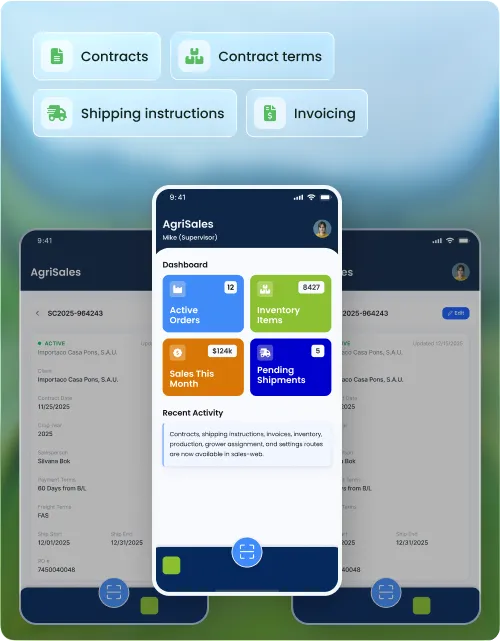
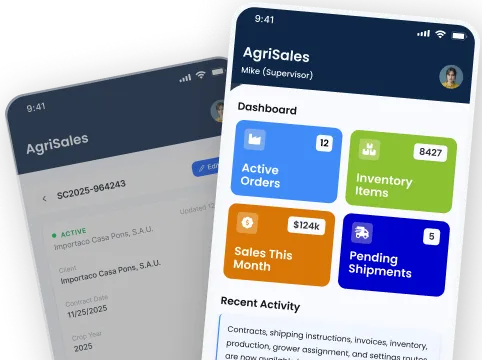
The Sales App gives agricultural producers, handlers, and processors a single system for sales contracts, shipping instructions, invoicing, and document generation — all connected to inventory and finance on Microsoft Dynamics 365 in real time.
Built on


Most agricultural operations manage sales contracts in one place, shipping instructions in another, and invoices in a third. When something changes, every system has to be updated manually and reconciliation falls to month-end.
Sales contracts sit in one system, shipping instructions in another. When a contract term changes, the shipping desk finds out last — or not at all.
Packed inventory is assigned to contracts manually, often after shipment has started. Overselling a lot or shipping to the wrong buyer is a real risk every season.
Without a document designer connected to contract data, every invoice requires manual input. Errors, missing fields, and formatting inconsistencies slow down payment cycles.
From contract creation to final invoice, the Sales App manages the full outbound cycle — with shipping instructions, grower linking, returns, and a built-in document designer, all on Microsoft Dynamics 365.
Build reusable contract templates for common deal structures. When a new contract is created, the template pre-populates terms, shipping defaults, and document settings — reducing setup time for repeat buyers.
Create and manage sales contracts with full detail — buyer, crop, product grade, volume, price, and delivery terms. Every contract has a structured record in Microsoft Dynamics 365 that the rest of the suite can reference.
Define delivery terms and attach expected shipment schedules directly to each contract. Planned shipments are visible across operations so the warehouse knows what needs to move and when.
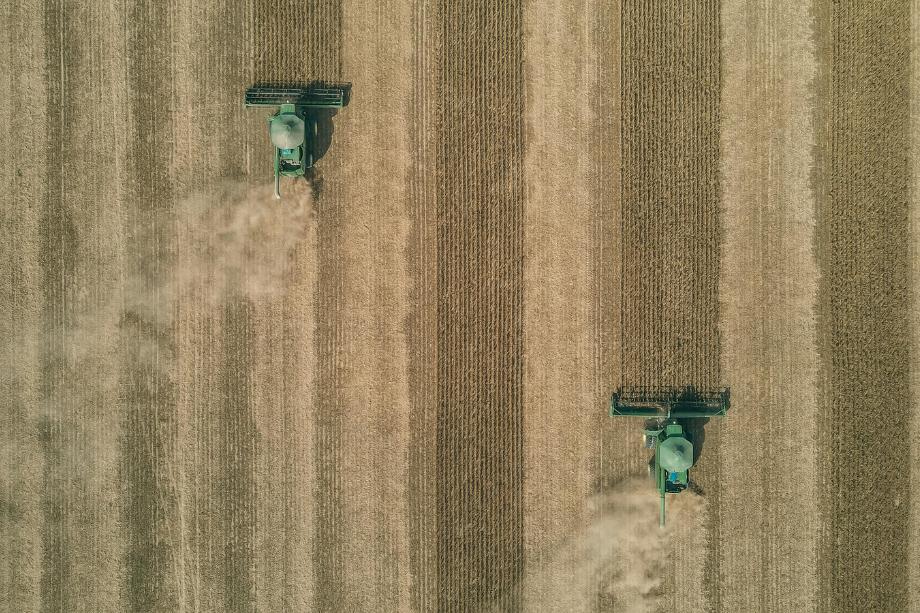
Link grower purchase contracts directly to sales contracts. When a sale is made, the system knows which growers' product is being sold and maintains traceability from the grower through to the buyer.
Track every change to a sales contract through a versioning system. Previous versions are preserved so your team always has a record of what was agreed, when it changed, and what the current terms are.
Assign default shipping document templates to each contract and generate a printable version of the signed contract at any point. Documents pull live contract data — no manual transcription.
Build reusable contract term configurations for standard deal structures. Apply a term template to new contracts to set pricing, delivery conditions, and packaging requirements in one step.

Create, edit, and manage individual contract terms with full detail — price per unit, grade, packaging specification, and delivery window. Terms sit within the contract record and flow through to shipping instructions automatically.
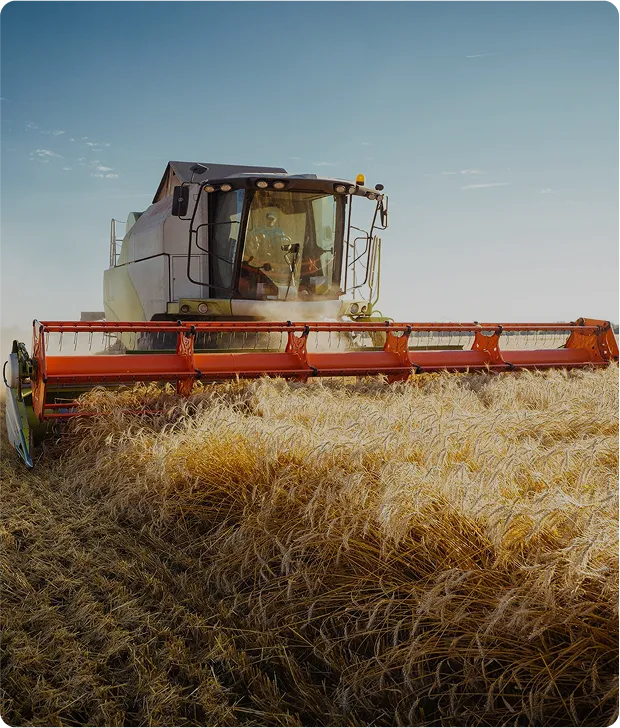
Enter a volume and the system calculates the number of packages and pallets required based on the packaging specification in the contract term. Eliminates manual math and reduces packing errors on the floor.
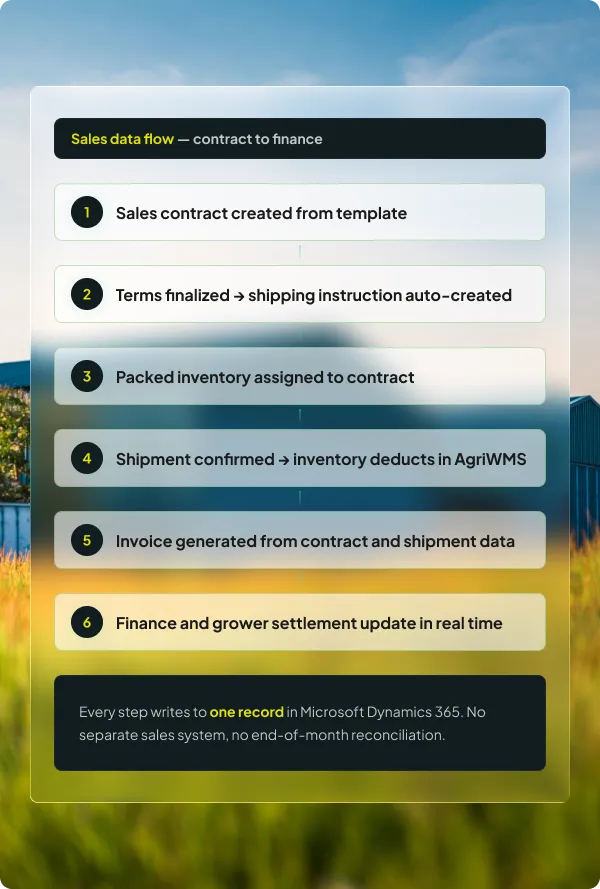
When a contract term is finalized, the system generates the corresponding shipping instruction record automatically. No duplicate data entry — the term details flow directly into the shipping instruction.
Search and view all contract terms across active and historical contracts. Filter by buyer, crop, price range, or delivery date to find specific terms without opening each contract record individually.
Create and manage shipping instructions with full detail — product spec, labs, labels, shipping info, consignee, treatment, and notes. Every field in a shipping instruction has its own managed section so nothing gets missed.

Create shipping instructions before a contract is in place and assign them to a sales contract once confirmed. Useful for handling urgent outbound shipments that are formalized after the fact.

Manage inventory that has been shipped overseas on consignment — product that is in transit or held at a foreign location but not yet sold. Track consigned stock separately from cleared and invoiced shipments.
Process direct delivery transfers between handlers without routing product through your own warehouse. The transfer is recorded in the system with full lot traceability and shipment documentation.
Attach lab result requirements and label specifications to a shipping instruction. Generate and print all required outbound documents from within the instruction record — no separate document tool needed.
Search and view all shipping instructions across contracts and statuses. Filter by buyer, crop, contract, or shipment date to find any instruction instantly without browsing contract by contract.
Process a sales return where product physically comes back to the warehouse. The return creates a corresponding inventory receipt in AgriWMS and reverses the relevant sales transaction in Microsoft Dynamics 365.
Handle credit returns where product does not come back — for example, a buyer-side quality rejection settled by credit note. The financial reversal posts in Microsoft Dynamics 365 without creating an inventory movement.
When overseas consigned product is rejected by the buyer, process the rejection and reallocate the inventory to a different contract or hold it for reshipment. Both the financial and inventory records update together.
Assign packed inventory lots to specific sales contracts before shipment. The system prevents the same inventory from being allocated to two contracts and gives sales full visibility of what is available, reserved, and shipped.
Maintain explicit links between grower supply contracts and outbound sales contracts. When a lot ships, the system knows exactly which grower's product it came from — supporting settlement and traceability requirements.
Create, edit, and manage invoices directly from shipment and contract records. Invoice details pull from the contract and shipment data automatically — buyer, product, quantity, price, and payment terms already populated.
Search all invoices across contracts and buyers. Filter by status, date range, or buyer to find any invoice instantly. Print or export invoice documents directly from the inquiry screen.
Design custom output documents — sales confirmations, shipping instructions, certificates of origin, quality certificates — using a built-in document designer. Templates reference live contract and shipment data so documents are always accurate.
Create custom product labels for outbound shipments using the built-in label designer. Labels reference lot, crop, grade, weight, buyer, and contract data directly — no manual field entry when printing for a specific shipment.
Manage the reference data that underpins contracts, shipping instructions, and invoices — buyers, product grades, packaging types, and shipping terms — from a single master data screen shared across the Sales App.


The Sales App runs on Microsoft Dynamics 365. Whether you grow row crops, tree nuts, fresh produce, or specialty commodities, when a shipment is confirmed against a contract, inventory deducts in AgriWMS, the grower account updates, and finance sees the transaction — all in real time, with no second entry.
Every sale links back to the grower supply contract across any crop or commodity. Settlement and traceability do not require manual cross-referencing.
Confirming a shipment in the Sales App deducts from AgriWMS inventory in real time. No end-of-day reconciliation, no double entry.
Contract data, pricing, and buyer information sit on Microsoft's cloud infrastructure with role-based access and full audit trails.
Every app in the suite shares the same data record across every crop you grow or handle. What happens in the field, warehouse, and quality check feeds directly into what you sell — and what you invoice.
Book a walkthrough and we will map your contract-to-invoice workflow to the AgriERP Sales App — for your crop, your operation, on Microsoft Dynamics 365.
The questions QC managers and operations leads ask before committing to a walkthrough — answered directly.
Yes. The Grower and Sales Contract Linking feature allows a single outbound sales contract to be linked to one or more grower supply contracts. This works across any crop type and supports multi-grower pool sales, co-operative structures, and mixed-commodity handlers — settlement calculations and traceability remain accurate regardless of how many growers' product goes into a shipment.
When a contract term is finalized, the Sales App can automatically generate a shipping instruction record populated with the term details — product, volume, packaging specification, and buyer information. Your team then adds any additional shipping-specific details such as consignee, treatment requirements, or lab instructions. This eliminates the step of re-entering term data into a separate shipping instruction form.
A sales return with inventory is used when product physically comes back to your warehouse — the system creates a receipt in AgriWMS and reverses the financial transaction. A sales return without inventory is used for credit settlements where the buyer keeps or disposes of the product but receives a credit note. Both types post correctly to Microsoft Dynamics 365 without requiring manual journal entries.
Yes. The built-in Document Designer lets your team create custom templates for any outbound document — invoices, sales confirmations, certificates of origin, quality certificates, and shipping instructions. Templates reference live data fields from the contract and shipment record, so documents are always accurate without manual data entry at print time.
When inventory is assigned to a sales contract in the Sales App, it is reserved against that contract and cannot be allocated to another. The system shows available, reserved, and shipped quantities in real time, so sales can see exactly what is available before committing volume to a buyer. Attempting to assign already-reserved inventory triggers an alert.
Contract versioning records every change to a sales contract — price adjustments, volume changes, delivery window updates — with a timestamp and the identity of the user who made the change. Previous versions are preserved so your team always has an auditable record of what was agreed and when it changed. The current active version is what drives shipment and invoicing.